
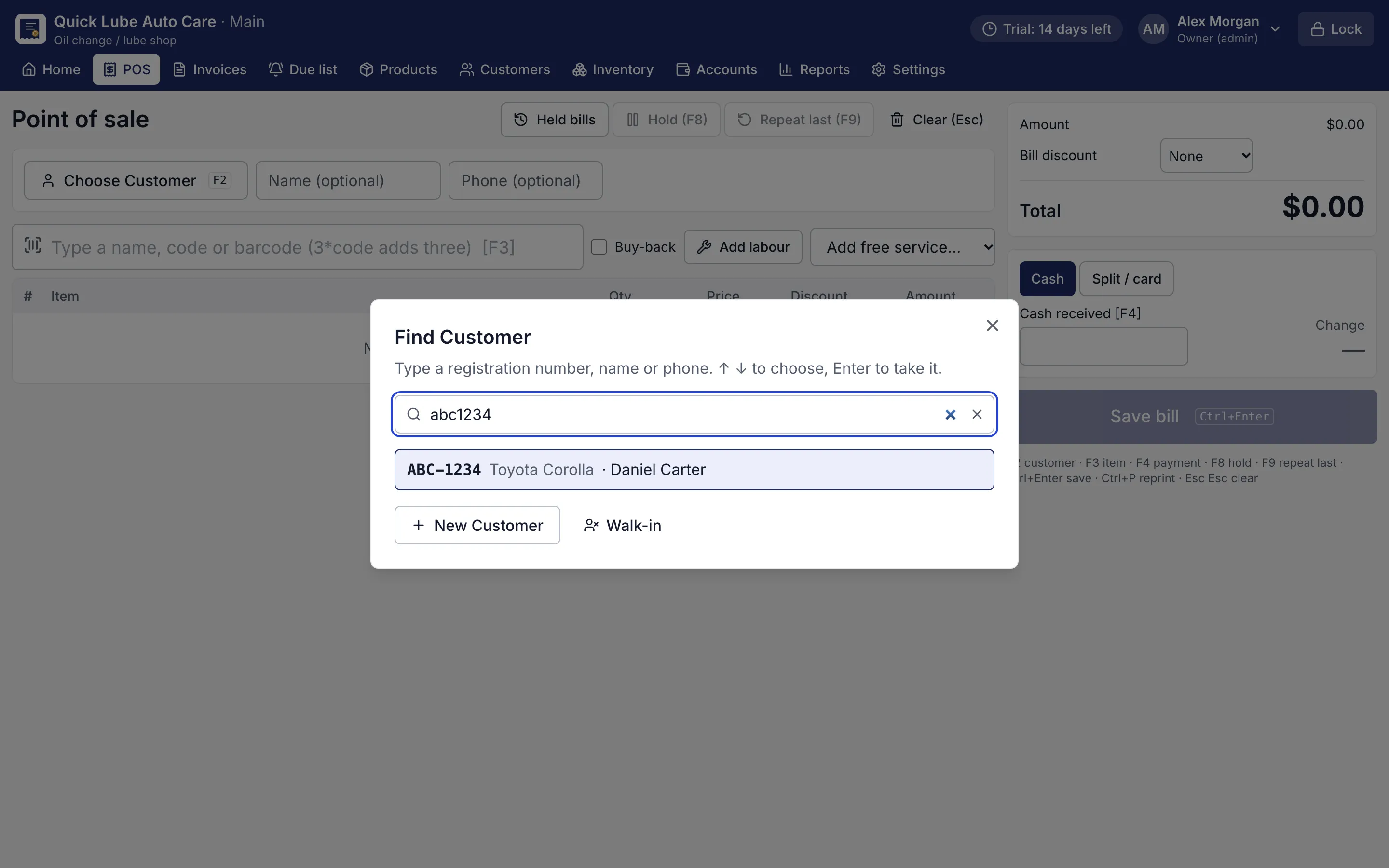
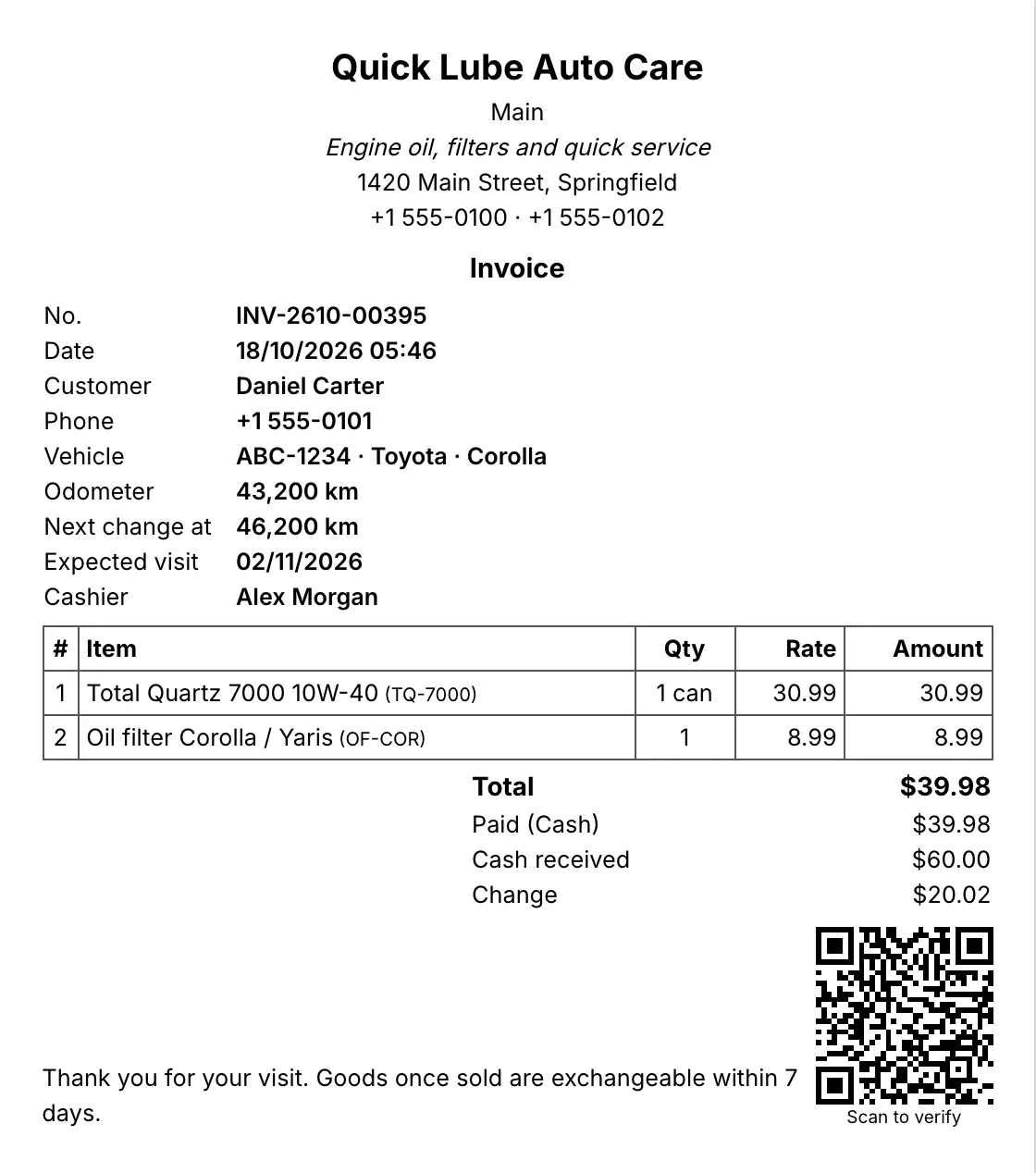
What does tyre shop POS software do that a billing app cannot?
A tyre shop sells sizes, not just products. RMS treats the size as a field you can search in any format, so the person at the counter types 1956515 and sees every 195/65 R15 in stock with brand, price and quantity. Search stays fast even with thousands of items.
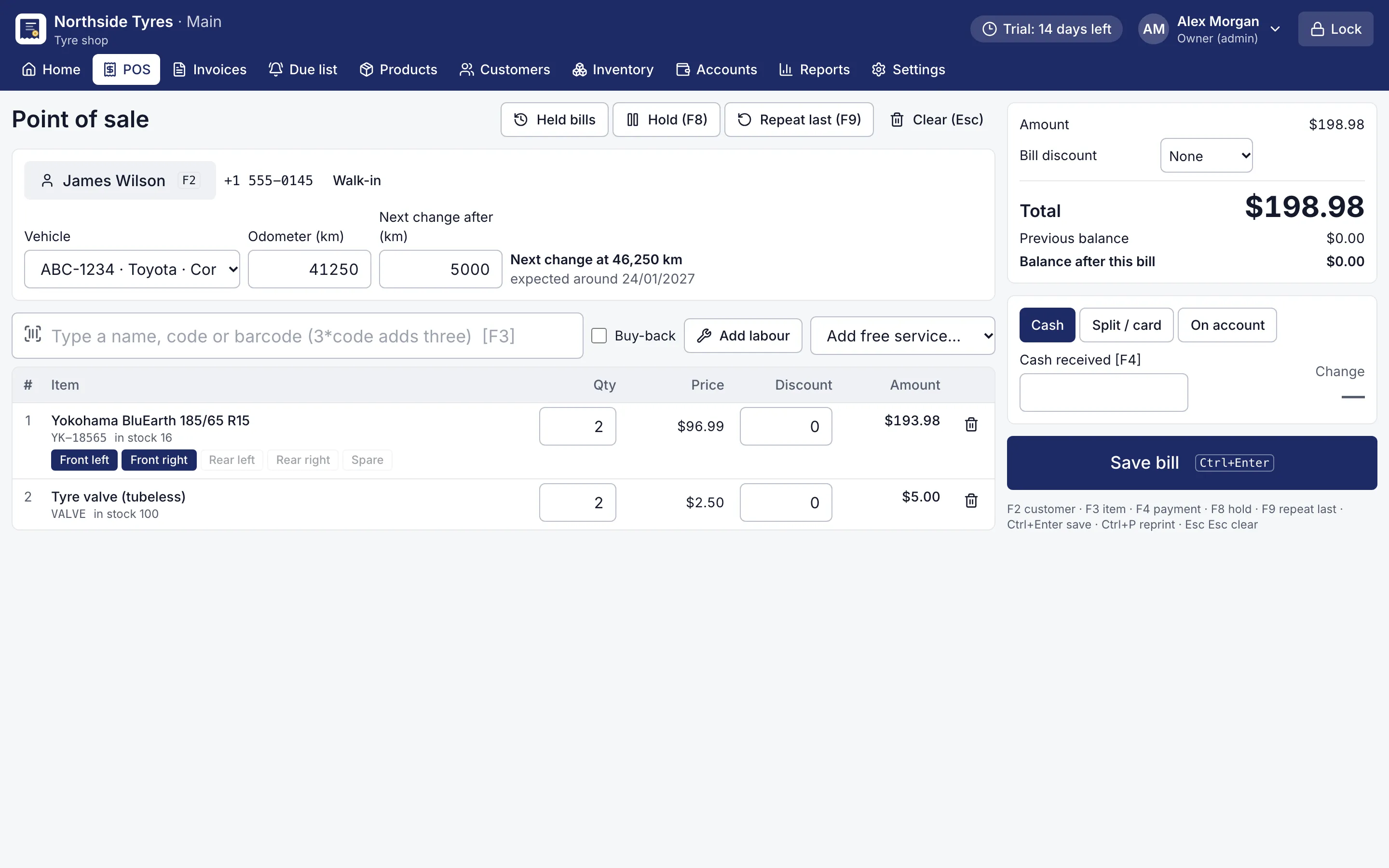
More important, this tyre shop POS software remembers the car. When you fit two new tyres on the front, RMS records them against the vehicle at front left and front right. Next time the car comes, the counter shows what is on each wheel and when it went on. If a new tyre replaces an old one at a position, the record updates; if the bill is corrected or deleted, the old one is put back.
How do rotation reminders bring cars back?
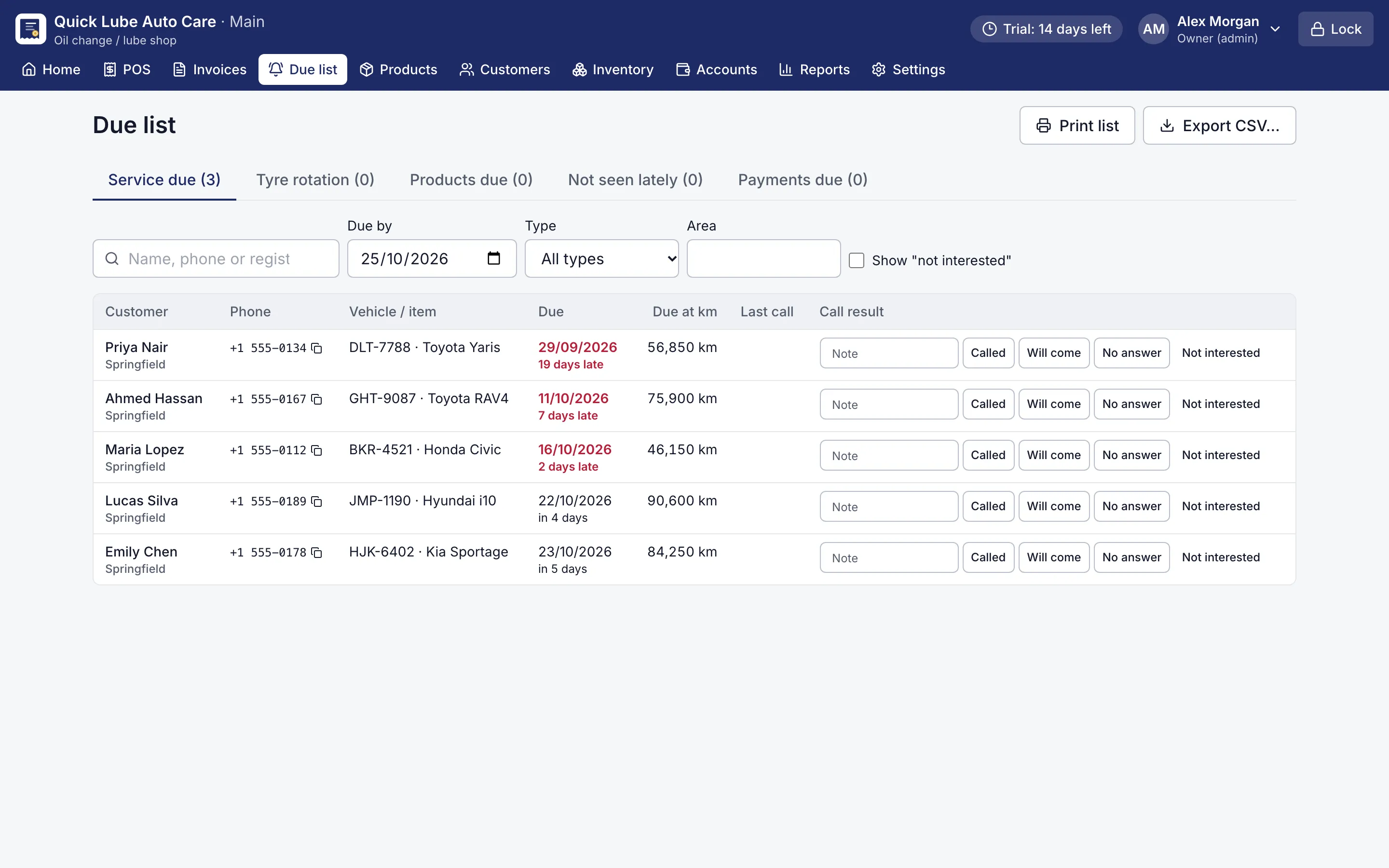
Set the rotation km once in Settings (for example 10,000 km). RMS puts the car on the Due list once it has run that many km since its tyres were fitted or last rotated. The list also shows cars due for their next service and customers you have not seen for a while.
Call or message from your own phone, mark the result with a note, and print it or export it as a calling sheet. When the car comes back, its reminder closes and the next one starts.
What about stock, old tyres and credit?
- Buy tyres in and see stock and value per size and brand, with low-stock items flagged.
- Take old tyres in with buy-back; their value comes off the bill.
- Transporters and fleet owners can pay on account, with a promised date and an account statement.
- Accept cash, card, mobile wallet or bank transfer, split one bill across them, and count the drawer at day close.
Free checks such as tyre pressure and valve check can print as zero-price lines, so the customer sees what you did for them. Prices and totals show in your own currency.
Try it on your counter
Everything runs on your own computer, so power cuts and a weak internet line do not stop billing. Choose “Tyre shop” in the setup wizard, add your sizes, and use every Pro feature free for 14 days, with no card needed.