What does department store POS software need to handle?
A department store mixes groceries, household goods, cosmetics, clothing and toys under one roof, with several cashiers and a storeroom behind the shop. RMS is department store POS software that keeps all of that in one database on your own computer.
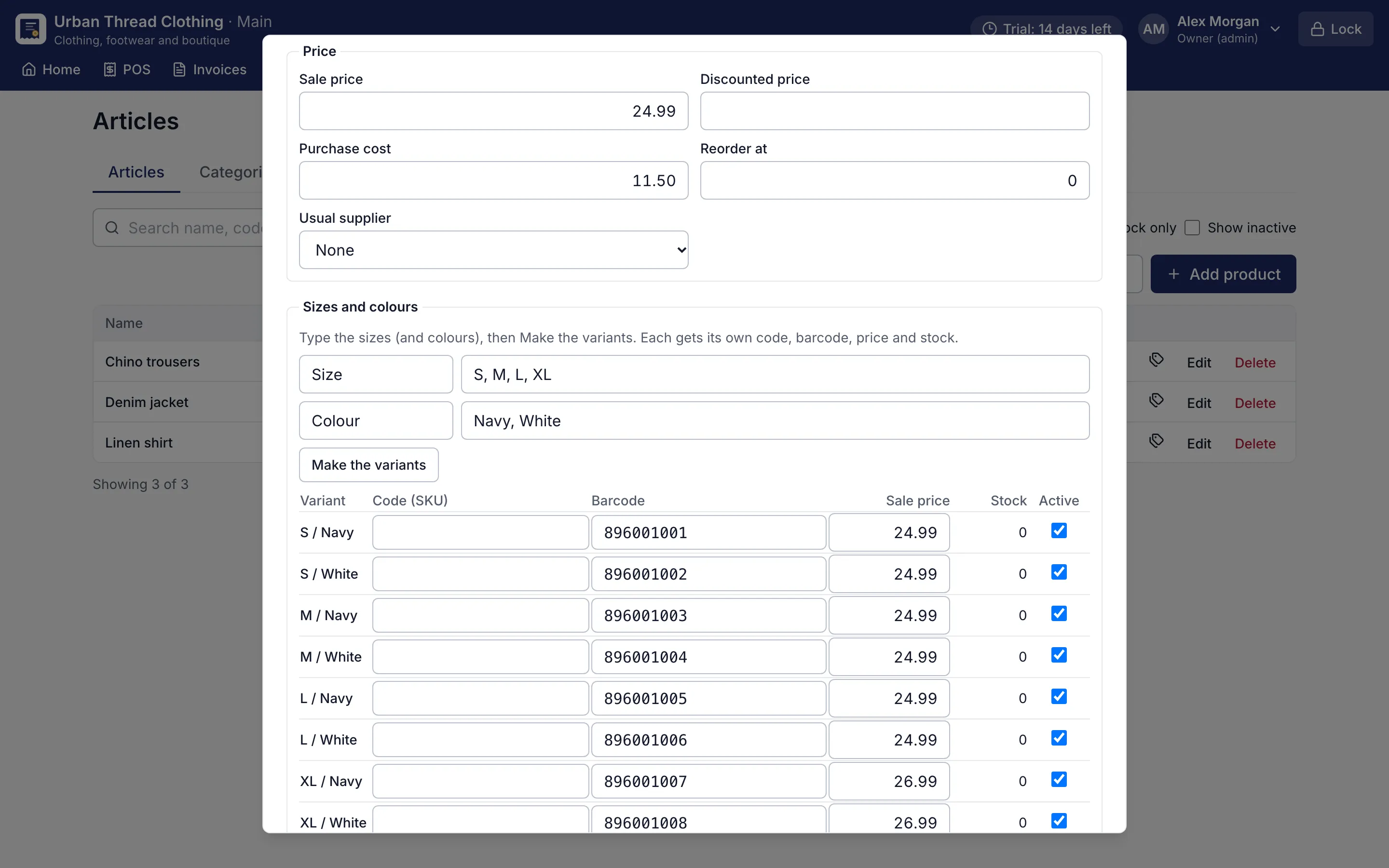
Barcodes do most of the work. Clothing and shoes use sizes and colours: type the sizes once, make the variants, and each one gets its own barcode, price and stock. Food items can carry batches and expiry dates, so the counter sells the oldest first. Buy by the carton and sell by the piece, pack or dozen, with conversions such as 1 carton = 24 bottles. Loose goods sell by kg or lb, and drinks or detergents can be counted in litres or gallons.
How do coupons and loyalty bring customers back?
Coupons (Pro) can be a percentage or a fixed amount, with a minimum bill, a cap, dates and limits per customer. The cashier types the code and RMS checks every rule, so a coupon is never applied to the wrong bill.
Loyalty points reward regular families. They earn points on what they pay, at a shop rate or per category, and spend them on later bills. Points can expire, and the owner can adjust them on the customer’s account. The loyalty and coupons reports show what each promotion really cost.
How does the owner keep control?
- Each cashier signs in with a PIN and has their own permissions and largest discount.
- Shifts hand over the drawer with a count; day close counts your notes and coins.
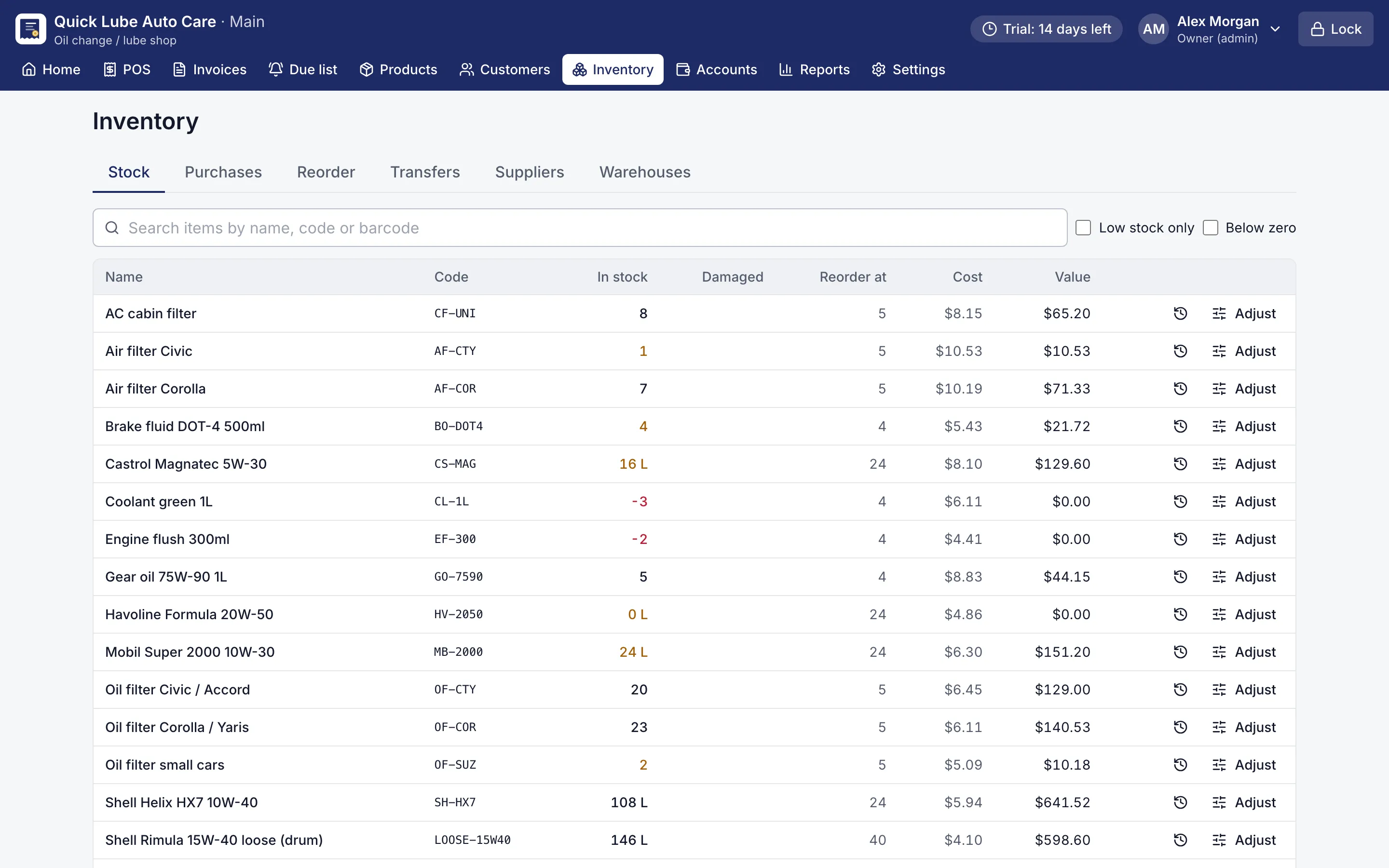
- Multiple warehouses and stock transfers (Pro) keep shop floor and back store stock apart.
- A second branch receives stock by transfer file; there is no live sync between branches.
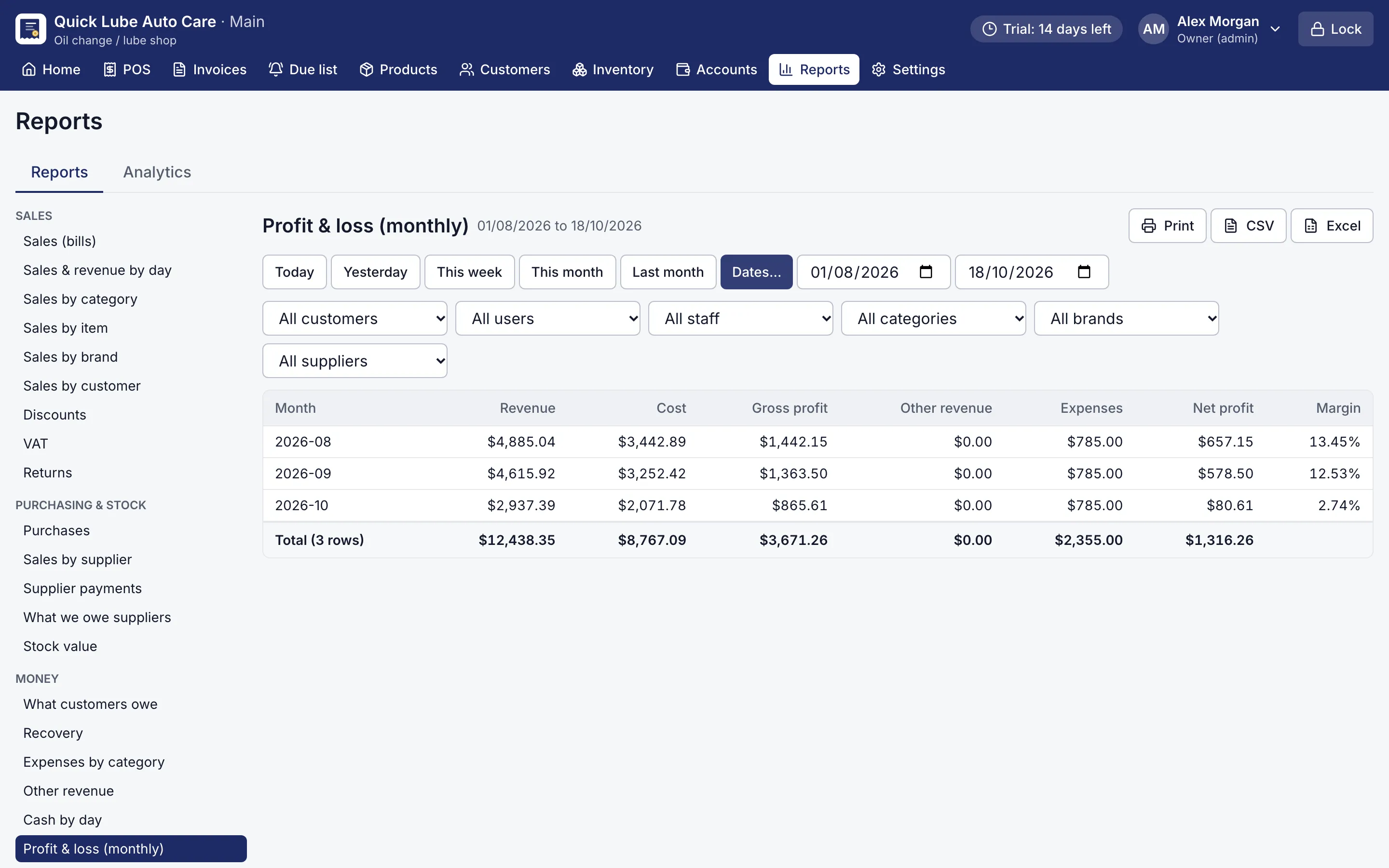
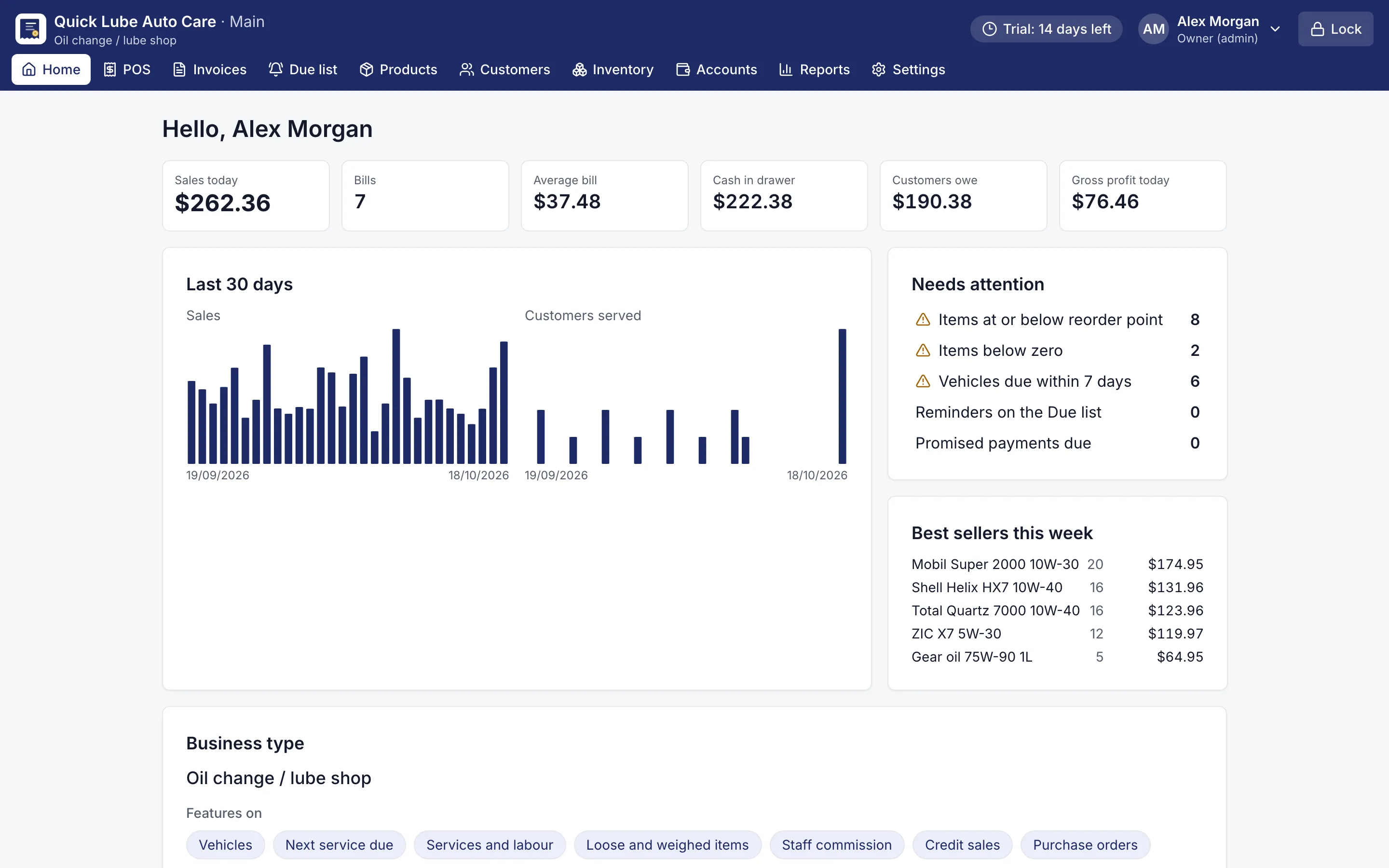
- The owner dashboard and 32 reports, including monthly profit and loss (Pro), with print, CSV and Excel export.
An audit trail detects changes made outside the app, and backups run automatically with a copy to a USB stick. Prices, receipts and reports use your own currency and tax name.
Try it before the next season
RMS works offline, so the counters keep billing during power cuts when the PC is on a UPS. Choose “Departmental store” in the setup wizard and the usual departments are ready. Use every Pro feature free for 14 days, with no card needed.